
The first step toward trading — whether in Forex or binary options — is always choosing a reliable broker and registering on their platform. In this article, we walk through the step-by-step process of registering and opening an account on the Binarium binary options platform.

Contents:
- What You Need to Know Before Registering on the Official Binarium Website
- Registering on Binarium: Start Trading in 5 Minutes
- Quick Registration on Binarium via Social Media
- Registering in the Binarium Mobile App
- A Full Overview of the Binarium Account After Logging In
- How to Top Up Your Account and Withdraw Profits
- Conclusion
What You Need to Know Before Registering on the Official Binarium Website
Access to trading on the Binarium platform may be restricted for residents of the following countries:
- USA;
- EU member states;
- DPRK and certain other countries.
Under Binarium's general terms and conditions, each client may hold only one account. Traders cannot create multiple accounts under the same name. If you lose access to your account, contact customer support. If multiple accounts are found to have been created in breach of the terms, the broker may suspend them and restrict withdrawals until the matter is resolved — at which point support will offer to retain one account for ongoing use.
Before registering on the Binarium website and making a deposit, read the user agreement carefully. This will help you avoid issues further down the line.
Registering on Binarium: Start Trading in 5 Minutes
Binarium has been operating in the online trading market since 2012. To access the platform, you must register on the official website. The process takes only a few minutes, though there are a few points worth knowing in advance.
Registration is open to all users, but only adults may open a live account and place trades.
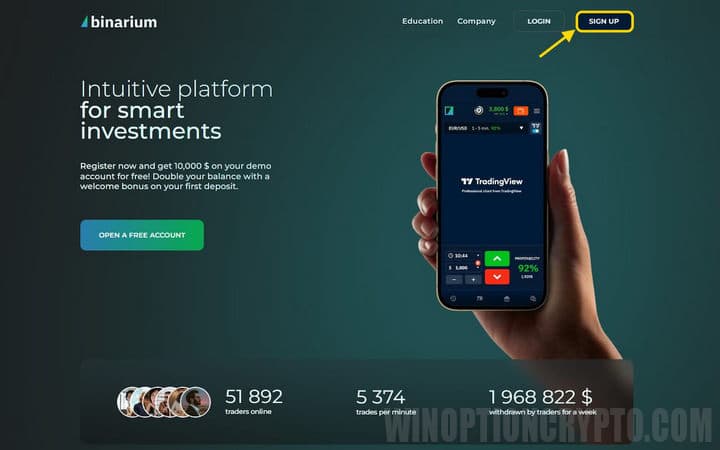
To register, open the official Binarium website and click the "Registration" button on the main page:
In the window that opens, enter:
- the email address you want to link to your account;
- a strong password;
- your preferred account currency.
The following account currencies are available:
- Ukrainian hryvnia;
- US dollar;
- euro;
- Bitcoin;
- Litecoin.
It is generally advisable to select the currency you use in everyday life — hryvnia for traders in Ukraine, euro for EU residents, and so on — to avoid conversion fees. That said, you may choose any currency you prefer.
If you have questions about registering or the terms of service, the user agreement is accessible via the link at the bottom of the registration screen:
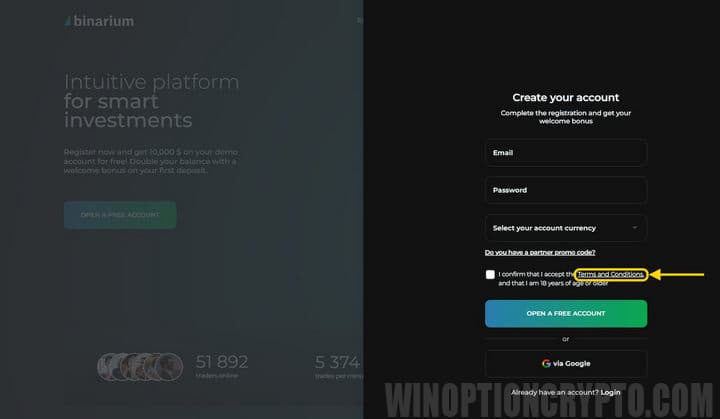
Once you have reviewed the user agreement, click "Open a free account" and confirm your email address by clicking the link sent to your inbox.
Quick Registration on Binarium via Social Media
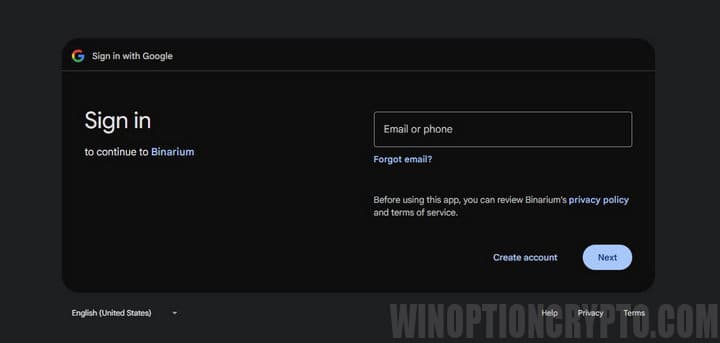
You can speed up registration by signing in with your Google account. Use this option only if your profile information is accurate, as the system automatically transfers it to your trading account.
Your full name, date of birth, and city of residence must match your identity documents exactly. If a discrepancy is found between your social media profile and your passport, the broker may suspend your account pending clarification — which would prevent you from withdrawing any deposited funds.
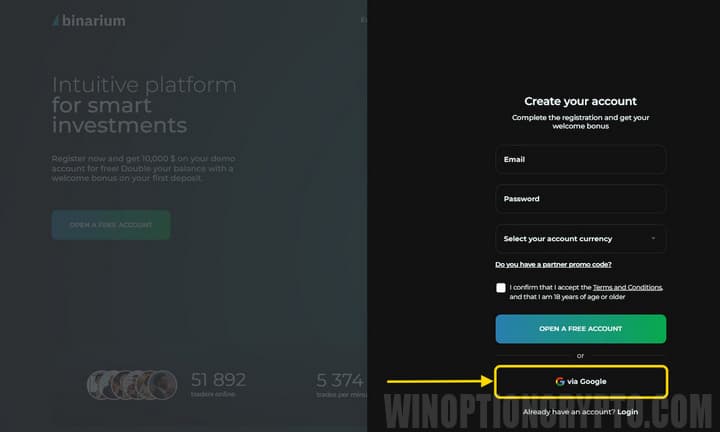
You may be prompted to enter your Google account credentials. Binarium will then request permission to access your profile data. After granting consent, you will be redirected to your personal account and can begin using the platform.
Registering in the Binarium Mobile App
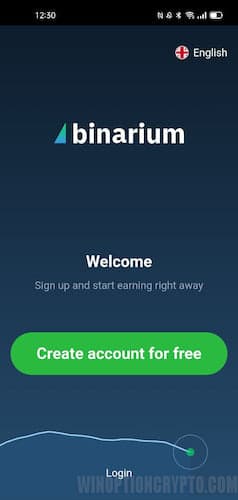
Binary options trading on Binarium is also available to Android smartphone users. The Binarium mobile app offers functionality comparable to the browser version, and new accounts can be registered directly through the app.
A Full Overview of the Binarium Account After Logging In
Once registration is complete, the trading terminal will load. To access your personal account, click the user menu in the upper right corner and select "Profile."
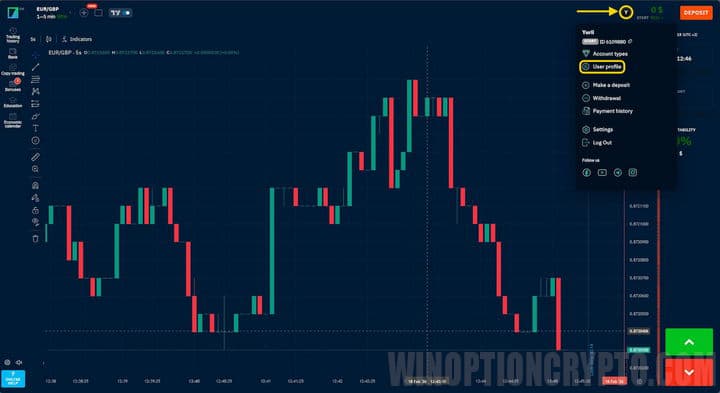
The profile window contains several tabs. The first lets you update your personal details and link additional social media accounts for easier platform access:
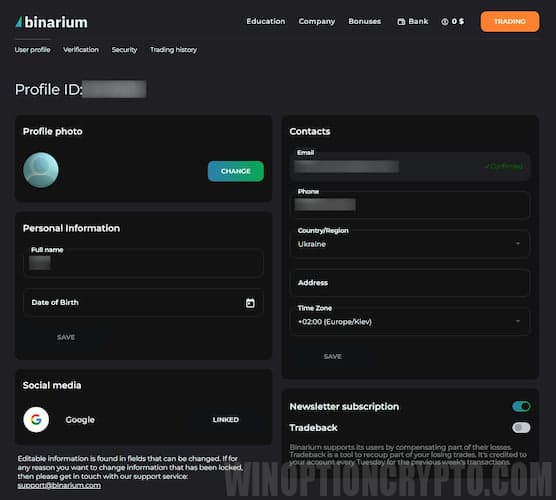
In the contacts section you can specify:
- phone number;
- time zone;
- residential address.
The "Trade History" section displays a list of completed transactions, filterable by date range.
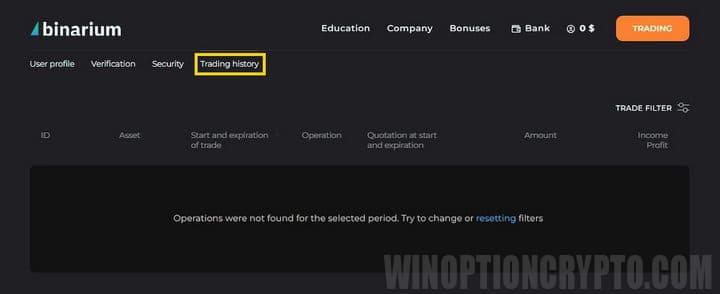
The remaining sections contain:
- educational materials;
- company information;
- deposit and withdrawal interface.

To start trading binary options, click the trading button. This opens the trading platform with two account types, which can be switched between with a single click.
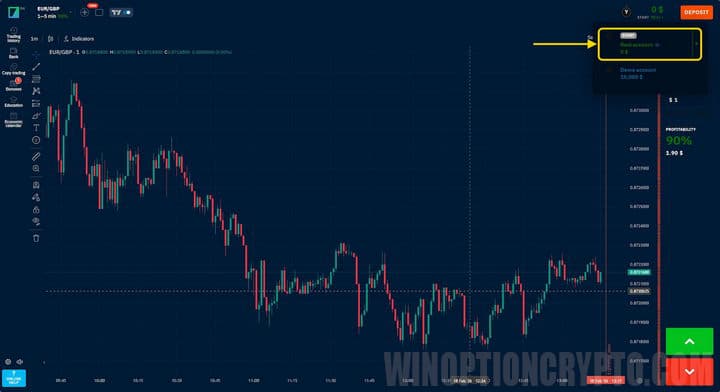
The terminal offers extensive functionality: several types of indicators (Stochastic, RSI, moving averages, and more), charting tools (Fibonacci levels and others), four chart types (bars, lines, candlesticks, and area charts), and a range of timeframes from 5 seconds to 12 hours.
To build initial trading skills and test strategies, Binarium provides a free demo account. Clients highlight the intuitive interface and clear layout of the main controls. Customer support is available via live chat if you run into any difficulties.
How to Top Up Your Account and Withdraw Profits
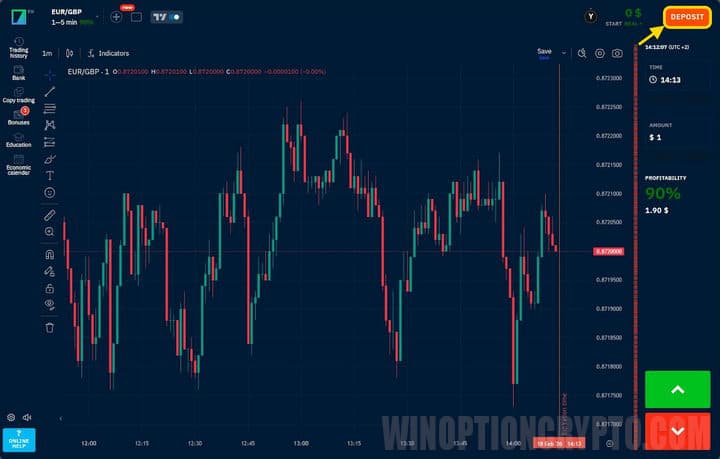
Deposits and withdrawals are handled through a dedicated section, accessible via the button in the upper right corner:
The window displays all payment methods supported by the broker:
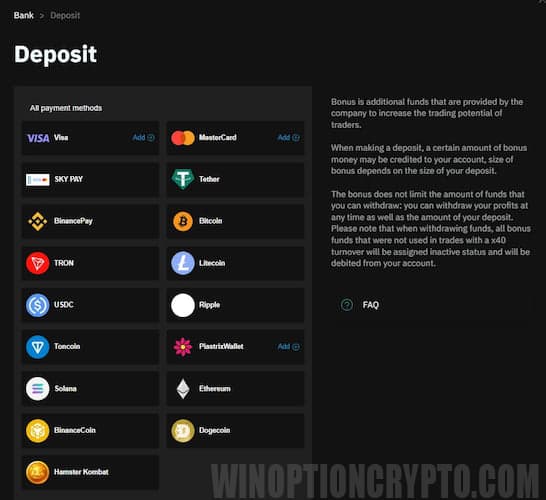
On your first deposit of $50 or more, you may receive a 100% trading bonus, usable for opening trades under the platform's bonus terms. Deposits are typically processed within seconds, though delays may occur depending on the payment method used.
Withdrawals are requested from the same section. Submit a withdrawal request specifying the transfer method and amount:
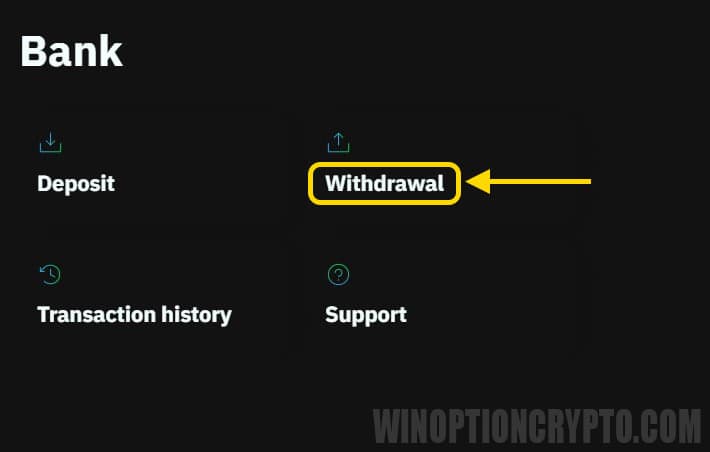
The following withdrawal conditions apply to standard accounts:
- one withdrawal request at a time;
- minimum withdrawal $5, maximum $15,000 per day;
- requests are processed within 24 hours on weekdays between 09:00 and 18:00;
- withdrawals are available to verified clients only.
Funds are transferred to the payment method used for the initial deposit. Since each request is processed manually, the transfer may take up to two business days. Delays may also arise on the payment system or bank side. If you experience difficulties, contact customer support.
Please note: verification is required to withdraw funds, but not to trade. Unverified clients can deposit and place trades; however, withdrawals are not available until verification is complete. This requirement is standard compliance practice for regulated brokerage companies.
To complete verification, you will need to provide:
- first name;
- surname;
- date of birth;
- country of residence;
- phone number.
You will then receive a verification code by phone and will need to submit identity documents. For full details, see the article "Verification with Binarium."
Conclusion
Registering with Binarium takes no more than five minutes. The broker offers several registration options, and once logged in, traders have access to a fully featured trading platform, educational materials, and all the tools needed for binary options trading.
Before placing your first trade, review the user agreement — many financial features are subject to specific conditions that are worth understanding in advance.
To leave a comment, you must register or log in to your account.