
The Aurora binary options indicator is trend-based and built around support and resistance levels, distributing price zones by strength and reliability. Levels are calculated using technical analysis and the relationship between supply and demand.
According to the developers, this indicator is capable of generating profitable results on up to 70% of trades.
This indicator is a paid product, but you can download it from our website free of charge as an introduction.
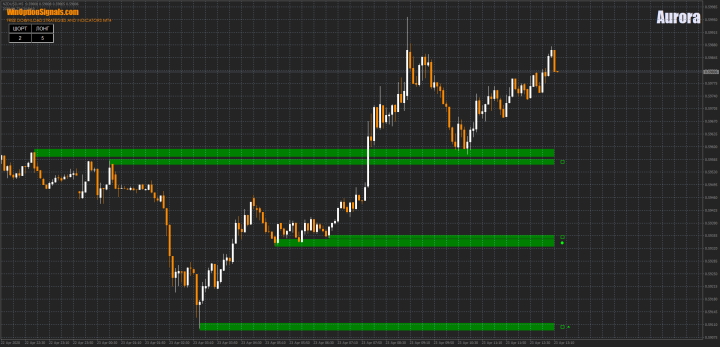
Key Features of the Aurora Indicator
- Terminal: MetaTrader 4.
- Timeframe: M5 or M30.
- Expiration: 1 candle.
- Option Types: Call/Put.
- Indicators: Aurora.
- Trading instruments: all currency pairs.
- Trading hours: 09:00–17:00 UTC.
- Recommended brokers: Quotex, PocketOption, Binarium.
Installing the Aurora Binary Options Indicator in MT4
The indicator is installed using the standard procedure in MetaTrader 4.
It is best to leave the core signal settings at their default values. You can freely adjust the visual and alert settings:
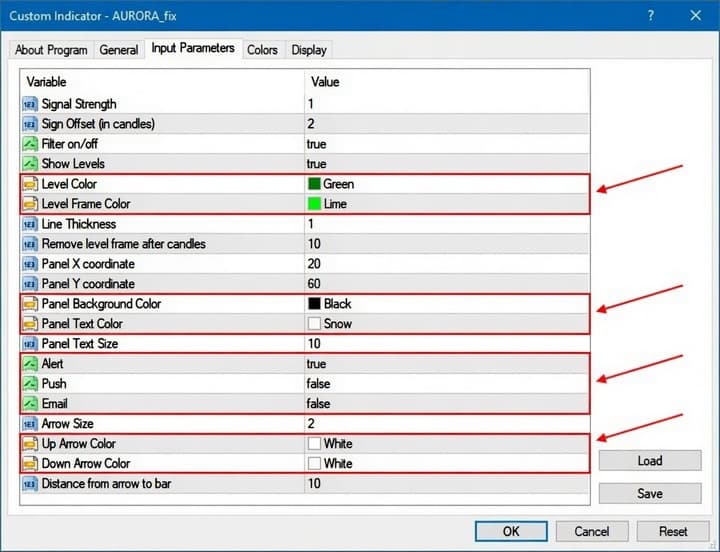
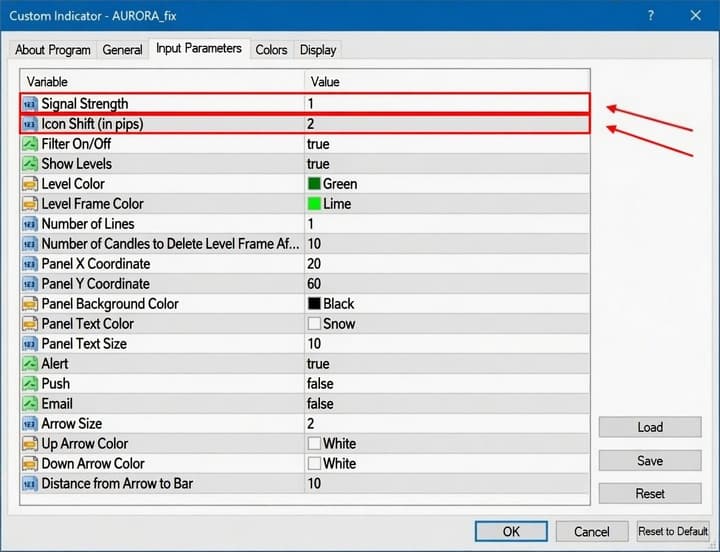
If you want to experiment with the Aurora indicator, the "Signal Strength" parameter controls when signals appear. It accepts values from "0" to "3" — the higher the value, the stronger the signals, but keep in mind that the highest-quality signals occur very rarely.
You can also disable the oscillator filter by adjusting the "Filter on/off" parameter:
Instructions for installing indicators in MetaTrader 4:
Trading Rules for the Aurora Binary Options Indicator
The indicator works as follows:
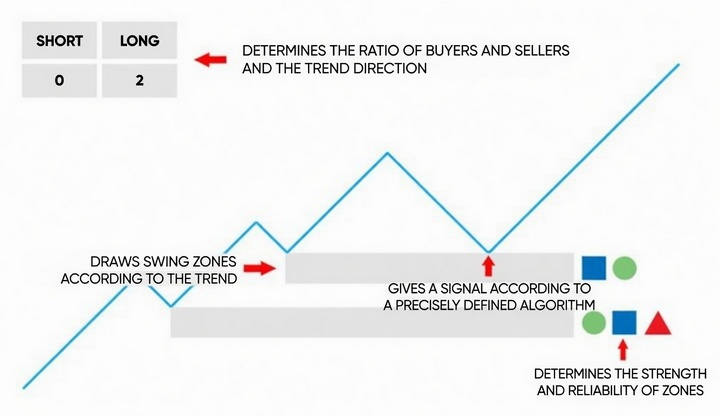
The indicator identifies support and resistance levels (demand and supply zones) and marks them with icons that reflect their strength. The more icons, the stronger the level.
In the upper left corner, a table displays the number of buy and sell zones. The more zones present, the higher the quality of the signal.
Trading with this indicator is straightforward: wait for an upward arrow (Call) or a downward arrow (Put) to appear, then open a position after the signal candle closes. Since the indicator is trend-based, results improve significantly when you understand what a trend is and how to identify it. Also note that the more icons appear alongside a signal, the better its quality. Signals without icons are best ignored.
With the indicator's built-in alerts, there is no need to watch the charts continuously:
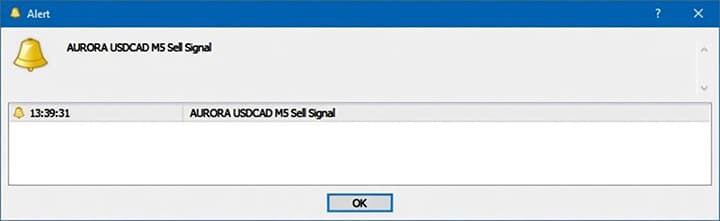
It is worth noting that Aurora signals appear relatively infrequently. To receive as many signals as possible, it helps to have multiple chart windows open across different trading assets.
The indicator may also occasionally fail to load onto the chart. If this happens, switch the timeframe to D1, wait a couple of seconds, then switch back to M5 or M30.
Trading Examples Using the Aurora Binary Options Indicator
The examples below use M5 charts across different currency pairs.
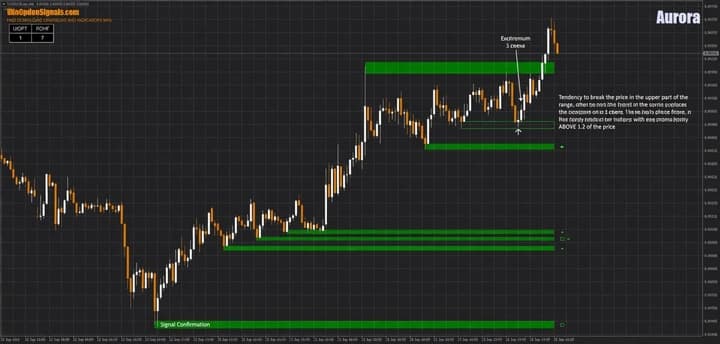
Opening a Call Option
When the price approaches a support level, a Call option signal appears:
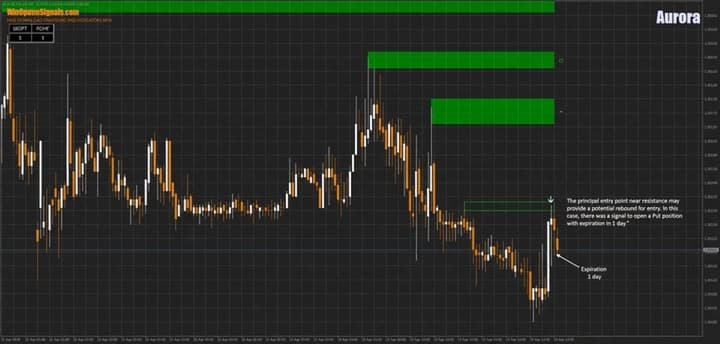
Opening a Put Option
The opposite setup occurs when the price approaches a resistance level:
Conclusion
The examples above show that this indicator is quite effective at identifying support and resistance levels and can be applied not only in the Forex market but in binary options trading as well. It can also serve as the foundation for a trading strategy suited to longer expiration times, not just short ones.
For the most comfortable trading experience, it is worth monitoring as many assets as possible, since the indicator does not generate signals as frequently as one might like.
Choosing the right broker is also an important step — you can find a curated list in the binary options broker ratings. We wish you successful trading!
Download the Aurora Template and Indicator
Not sure how this indicator works? Leave a comment below, and subscribe to our YouTube channel WinOptionCrypto — we'll answer your questions in an upcoming video.

To leave a comment, you must register or log in to your account.