
The Pocket Option broker's support service offers several communication channels, including a feedback form, email, and chat. Chat is the most popular option among traders, as it is the fastest way to reach the broker's managers. The Pocket Option chat can also be used to communicate with other traders — we'll take a closer look at its features below.
Contents:
- Why You Need Chat in Pocket Option;
- Communication with Pocket Option Support;
- Communication with Other Pocket Option Traders;
- User Channels and Private Messages in Pocket Option;
- Pocket Option Chat Notifications;
- Conclusion.

Why You Need Chat in Pocket Option
Chat is a convenient way to communicate with support or with other Pocket Option customers. Through this feature, clients of the binary options broker can quickly receive analytical insights, news, and other information useful for trading.
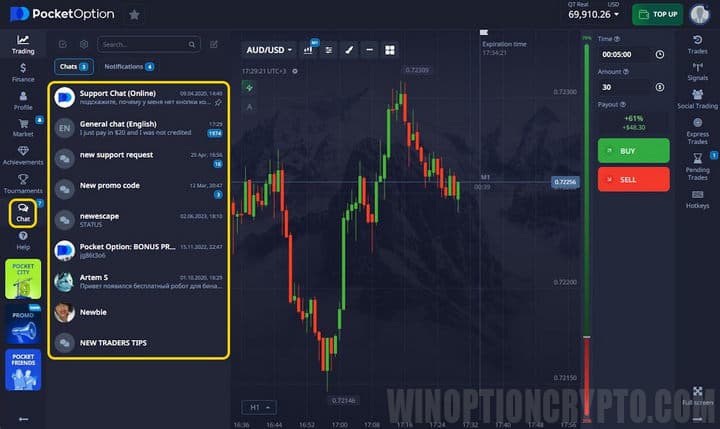
To open or close the chat, click the corresponding icon on the left panel. The language used for communication and the display of news and other information depends on your profile settings:
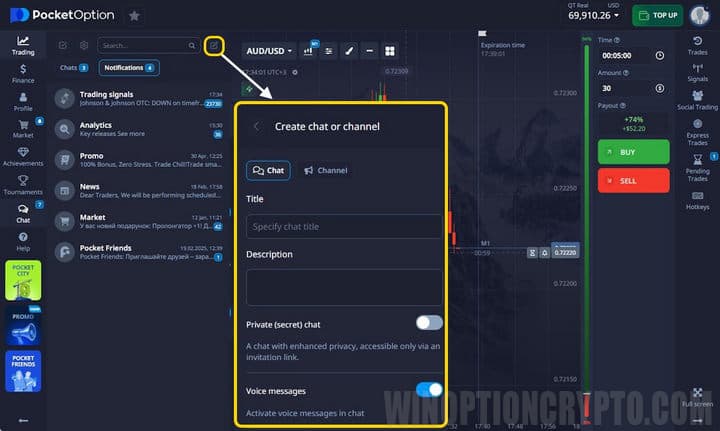
Each user can create their own channels, including channels for a limited group of traders. To do this, simply click the "+" icon and fill in the fields in the window that opens:
Communication with Pocket Option Support
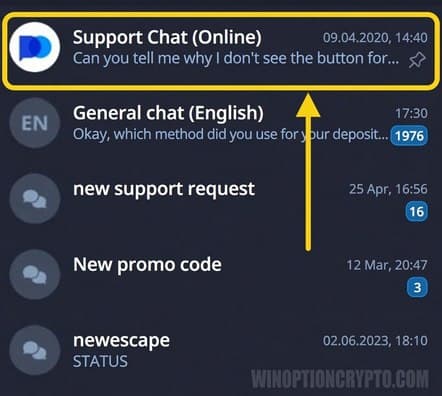
To ask the support team a question, select "Support Chat" in the window:
Communication with Other Pocket Option Traders
To chat with other users, simply go to the "General Chat" section — there is one for Russian-speaking clients and another for English-speaking clients:
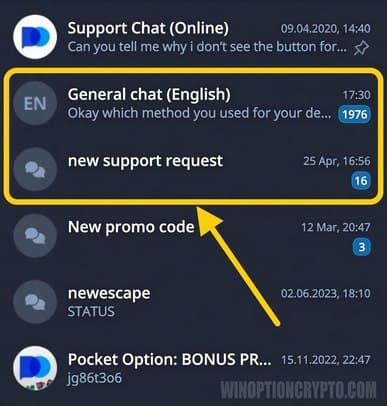
Please note that all messages are moderated. You may not post anything that violates the chat rules.
Custom Channels and Private Messages in Pocket Option
To start a private conversation with another trader, click the search icon and find the trader you want:
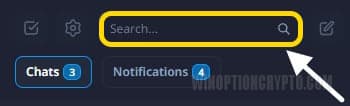
You can also create your own channels or join existing ones. By default, your chat will include several channels provided by Pocket Option, featuring news, analytics, and information about bonuses. To access these channels, open the corresponding channels section:
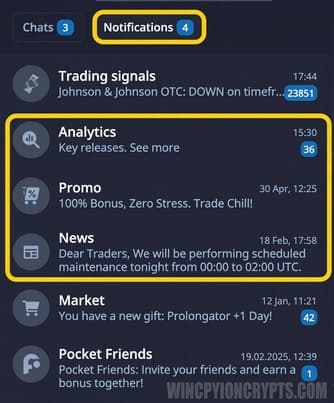
Pocket Option Chat Notifications
Trading-related notifications appear in this section. For example, if your trade is closed by the broker or for any other technical reason, you will receive a notification here:
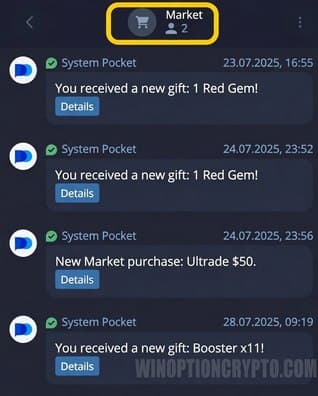
Conclusion
The Pocket Option chat is a useful addition to the trading experience: you can get answers to your questions, talk with fellow traders, and stay up to date with news about the market and the platform. You can also create your own channel to connect with other traders or share your knowledge.
Open an Account with Pocket Option

To leave a comment, you must register or log in to your account.